Good News🚀
No need for a VM or Windows experimental features
Good News🚀
In this guide, we will be using the Windows Subsystem for Linux (WSL) to run ROS Noetic. This is a great way to get started with ROS without having to install a VM or use experimental features on Windows.
Windows Subsystem for Linux is a compatibility layer for running Linux binary executables natively on Windows 10 and Windows Server 2019.
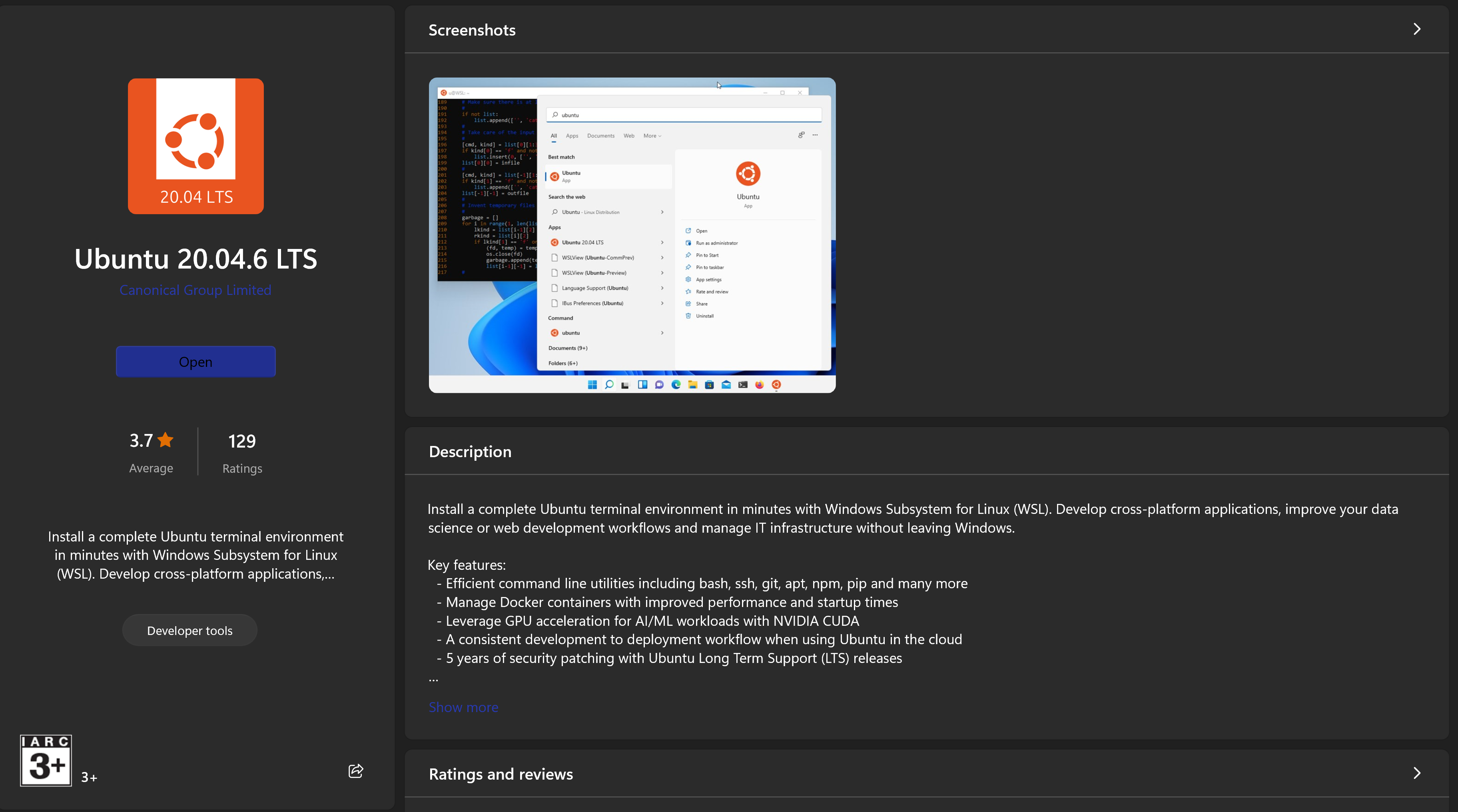
To keep the guide short, we will be using this custom script I’ve written, to run just copy paste the following command in your terminal.
sh -c "$(curl -fsSL https://abhijithganesh.com/noetic.sh)"#!/usr/bin/bash
sudo apt update -yecho "deb http://packages.ros.org/ros/ubuntu $(lsb_release -sc) main" | sudo tee /etc/apt/sources.list.d/ros-latest.listcurl -s https://raw.githubusercontent.com/ros/rosdistro/master/ros.asc | gpg --dearmor - | sudo tee /usr/share/keyrings/ros-archive-keyring.gpg > /dev/nullecho "deb [signed-by=/usr/share/keyrings/ros-archive-keyring.gpg] https://packages.ros.org/ros/ubuntu $(lsb_release -sc) main" | sudo tee /etc/apt/sources.list.d/ros-latest.
sudo apt update -y | grep -i "package.ros.org"
sudo apt install ros-noetic-desktop -yecho 'cd /opt/ros/noetic/source setup.bashcd' >> ~/.bashrcThis command will add the source command to the bashrc file so that you don’t have to source it everytime you open a new terminal.