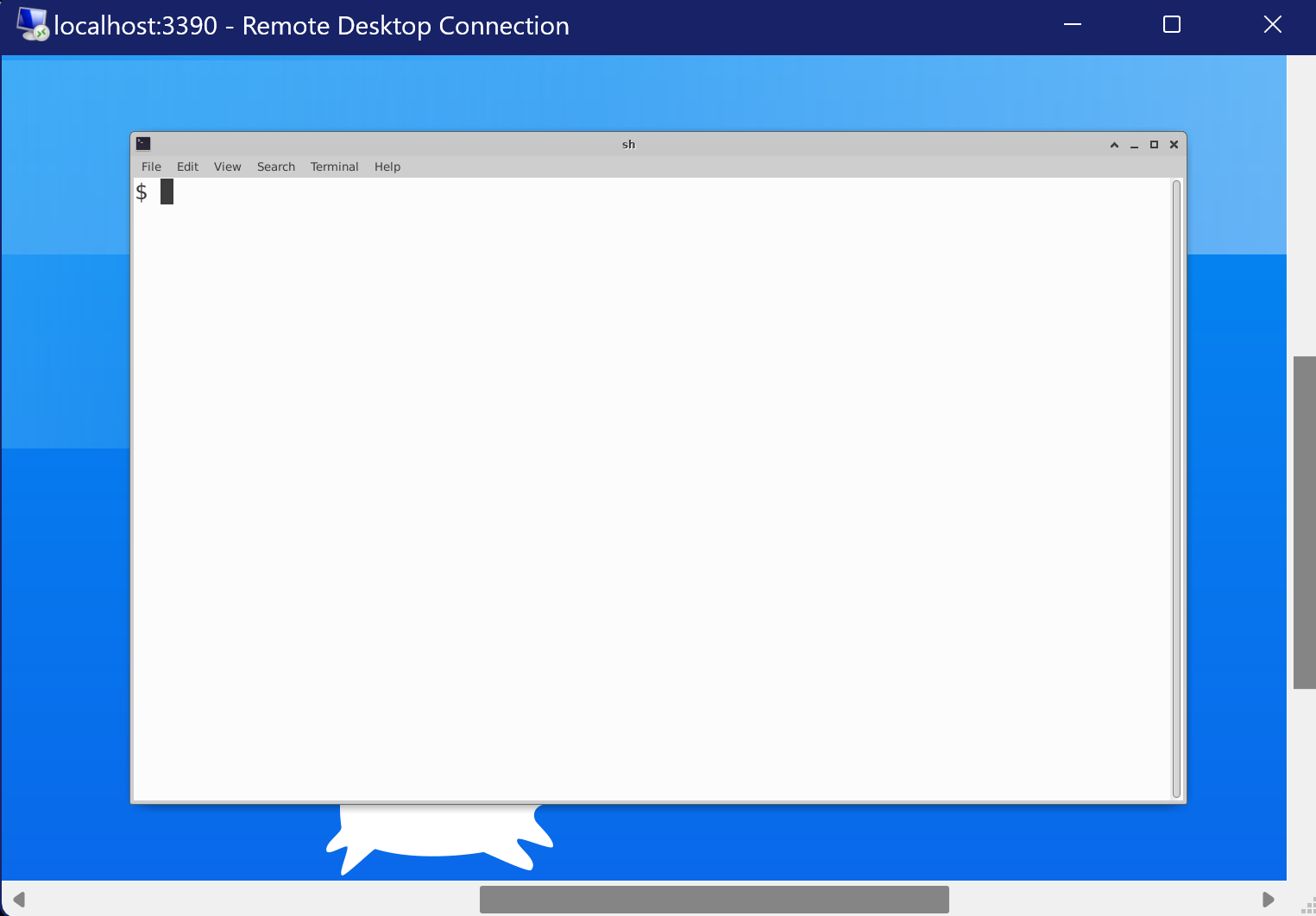
Connecting Remote desktop for WSL2 🖥️
📝 Prerequisites
- Ubuntu 20.04 LTS installed on WSL2
- Windows Machine
And thats about it 😉 !
Install Ubuntu If you haven't installed Ubuntu 20.04 LTS on WSL2, you can follow the steps here
📥 Installing Remote Desktop Support tools
On Ubuntu
sh -c "$(curl -fsSL https://abhijithganesh.com/remote.sh)"On Windows
There’s nothing to do on Windows because remote desktop is already installed on Windows by default.
🚀 Connecting to WSL2 from Windows
The shell script should already have a GUI instance for you, check it using:
sudo /etc/init.d/xrdp statusOutput
$ sudo /etc/init.d/xrdp status * xrdp-sesman is running * xrdp is runningIf you see the above output, you can connect to WSL2 from Windows using the Remote Desktop Connection app.
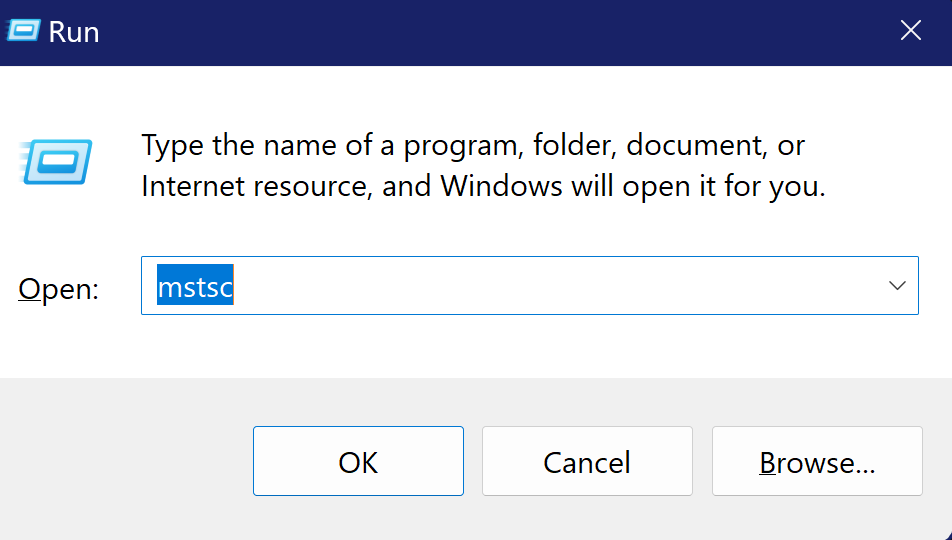
🏃♂️Open run and type mstsc and hit enter
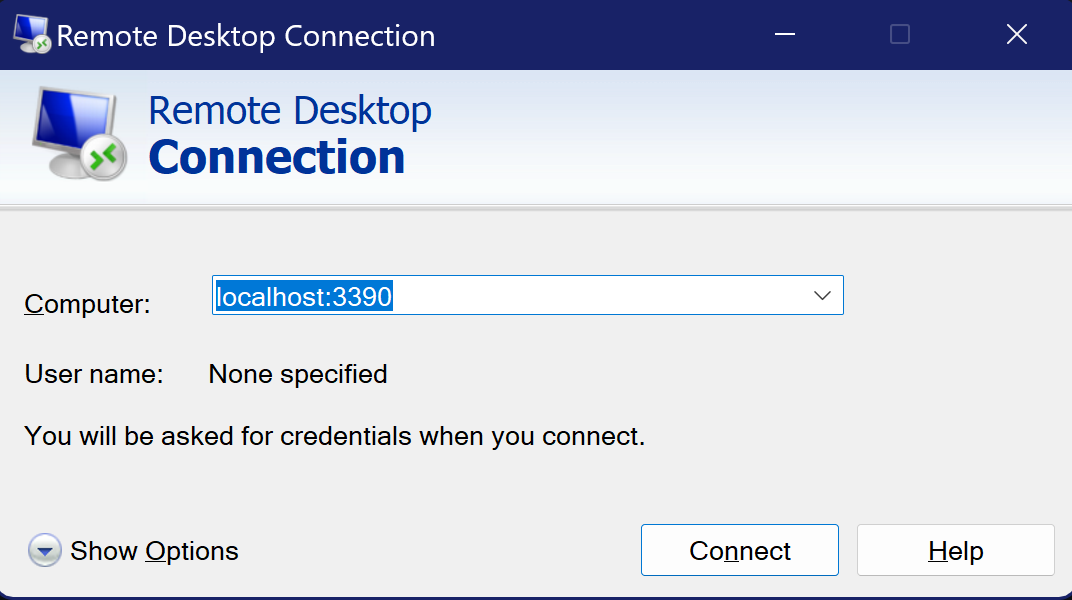
🖥️ Connect to localhost:3390
It will show warnings but you can click on yes to continue
Remote view 👓
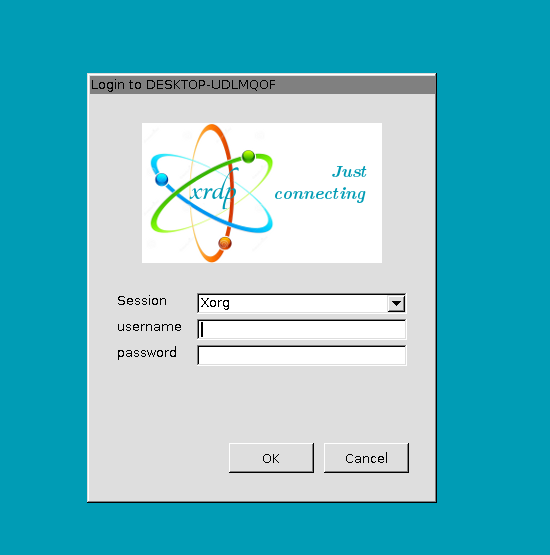
Input your credentials and you’ll be through.
Congratulations 🎉
You have successfully connected to WSL2 from Windows using Remote Desktop Connection.